How to Buy Crypto with an On-Ramp | Steps to Buy USDT by Credit Card and Deposit It

オンランプでUSDTを購入する方はこちらから
Learn how to buy crypto with an on-ramp. This guide covers 6 steps to buy USDT with a Japanese credit card, a route that needs no account opening, the purchase range, and how to deposit into Bi-Winning.
Try a free demo now
Experience the real trading environment without using real money
Want to make a deposit with cryptocurrency but you're just a little short, or want to buy crypto with a Japanese credit card? On-Ramp purchases, which are perfect for those situations, have now been added to Bi-Winning's cryptocurrency deposit options. An on-ramp is a system that lets you buy cryptocurrency directly with fiat currency such as Japanese yen or US dollars. Because it supports credit card payments, you can easily get USDT even if you don't own any cryptocurrency.
In short, buying USDT through the on-ramp takes just six steps. No account registration is required.
- Step 1: Open the purchase page
- Step 2: Enter your customer information
- Step 3: Enter the offer price
- Step 4: Set your wallet address
- Step 5: Buy and complete the payment
- Step 6: Check the USDT you received
If you're a little short of the amount you want to deposit with cryptocurrency, you can top up the shortfall on the spot, so there's no need to redeposit funds into a domestic exchange and wait.
What is buying USDT through the on-ramp?
Bi-Winning offers four deposit methods: PESKA, PoiTouch, PAY WAVE, and cryptocurrency. For cryptocurrency, you can deposit in BTC or USDT.
With the newly added on-ramp purchase, you can now buy USDT with a Japanese credit card. You can get USDT right away even if you don't hold any cryptocurrency, and then deposit with that USDT.

The USDT you buy first arrives in your own wallet. From there, you send it to Bi-Winning's deposit address, so keep in mind that buying and depositing are two separate operations.

Item | Details |
|---|---|
Cryptocurrency you can buy | USDT |
Purchase amount | From 100 USD to 1,200 USD |
Account registration | Not required |
Information to enter | Email address, name, phone number |
Payment method | Credit card |
Delivery destination | Your own wallet |
Why it's hard to buy cryptocurrency with a Japanese credit card
If you live in Japan and try to buy USDT with a credit card, the card issuer often declines the payment at checkout, or the purchase simply can't go through. With an on-ramp purchase, you can buy USDT even with a Japanese credit card.
At major domestic cryptocurrency exchanges, you generally fund your account in yen by bank transfer or instant deposit before buying cryptocurrency, and card payment deposits are basically not available. Many card issuers also exclude cryptocurrency purchases from eligible card use.
USDT is not offered at domestic exchanges in Japan either. You can't buy USDT directly at a domestic exchange; you have to take a detour: first buy BTC or another coin, send it to an overseas exchange, and swap it for USDT there. With the on-ramp, you can get USDT by card payment without opening an account or swapping cryptocurrencies.
Comparing ways to get USDT
Buying through the on-ramp isn't the only way to get USDT. The best route depends on your situation, so here is a comparison by required preparation and payment method.
Route | Preparation needed | Payment method | Recommended for |
|---|---|---|---|
Buying through the on-ramp | Email address, name, phone number, and a wallet | Credit card | People with no cryptocurrency, or those slightly short of their deposit amount |
Swap | Cryptocurrency you already hold | Exchange between cryptocurrencies | People who already hold another cryptocurrency such as BTC |
Transfer from a domestic exchange | Accounts at a domestic and an overseas exchange, identity verification | Bank transfer, instant deposit | People who plan to keep using cryptocurrency |
Buying at an overseas exchange | An account at an overseas exchange, identity verification | Payment methods the exchange supports | People who already have an overseas exchange account |
The easiest way to get USDT is buying through the on-ramp. You need no account opening or identity verification, and everything from opening the page to completing the purchase is one continuous flow.
On the other hand, the USDT you get through Swap is limited to two types: ERC20 and BSC. The deposit screen also lets you choose TRC20, so if you want to send in TRC20, you need to buy through the on-ramp or use a source that supports TRC20.
Want to know how to get USDT through Swap? Check out this article! ▶︎A crypto swap feature has arrived at Bi-Winning | A new feature that lets you deposit directly without holding USDT or BTC
How to choose the right route to get USDT
Decide which route to use by checking these three points.
1: Do you already hold cryptocurrency?
If you already hold another cryptocurrency such as BTC, swapping it is the fastest way. You don't need to prepare new cash. If you hold none, buying through the on-ramp is recommended.
2: How much are you short of the amount you want to deposit?
If you're below the minimum deposit of 50 USDT, or just a little short of the amount you want to deposit, topping up through the on-ramp is a good fit. Purchases start at 100 USD, so decide in advance how much you will deposit including the shortfall.
3: Can you spend time on account opening and identity verification?
If you want to finish your deposit today, buying through the on-ramp, which needs no account registration, is recommended. On the other hand, if you plan to buy and sell cryptocurrency on an ongoing basis, setting up accounts at a domestic and an overseas exchange will widen your options from next time on.
How to buy USDT through the on-ramp
Step 1: Open the purchase page
Open the USDT purchase page in your browser. You can also open it from the "Buy USDT" button on Bi-Winning's deposit page. No account registration is required, so you can start entering your details as soon as the page opens.
↓Click here to buy USDT through the on-ramp↓▶︎Open the USDT purchase page
Step 2: Enter your customer information
Enter your email address, name, and phone number.

Step 3: Enter the offer price
Enter the amount you want to buy in USD. The allowed range is 100 USD to 1,200 USD.
After you enter an amount, the fee and the amount of USDT you will actually receive appear below the input field. The amount shown there is what arrives in your wallet, so use this received amount to check whether it covers the amount you want to deposit.

Step 4: Set your wallet address
Specify where the USDT you buy will be sent. There are two methods: connect a wallet, or enter the address manually.

To connect a wallet, select "Connect" and press "Connect Wallet." When the wallet selection screen opens, choose the wallet you want to use.
- RC Wallet
- Browser Wallet
- MetaMask
- WalletConnect
- Rainbow
We recommend RC Wallet. When you select RC Wallet, a QR code appears; scan it with the RC Wallet app to complete the connection. If you don't have the app, you can download it from "Get." If you don't have any wallet, prepare one from "Get a Wallet."
To enter the address manually, select "Manual Entry," choose the chain, and paste your wallet address. Don't type the address by hand; we recommend copying and pasting it. If you get the address or network wrong, the USDT you send cannot be recovered.
Step 5: Buy and complete the payment
Press "Buy" and follow the on-screen instructions to complete the payment. Since you can pay by credit card, the purchase is completed right here even if you start without any cryptocurrency.
Once the payment is finished, the USDT is sent to the wallet you specified in Step 4.
Step 6: Check the USDT you received
Open your wallet and check that the USDT has arrived. If it doesn't appear, check whether the network displayed in your wallet matches the chain you specified at purchase. Even for the same USDT, a different network is shown as a separate balance.
How to deposit the USDT you bought into Bi-Winning
Once the USDT has arrived, go back to Bi-Winning's deposit page.
- Select cryptocurrency on the deposit page
- Select your country and the account to deposit into
- From USDT TRC20, USDT ERC20, and USDT BSC, choose the same network as the USDT you bought
- Enter the amount to deposit
- Check the credit amount shown and press "Deposit"
- Send the USDT to the QR code address shown on the next screen

After you enter an amount, the credit amount that will be reflected in your trading account appears on screen. Check this number before you send.
Once the transfer is done, it is automatically reflected in your trading account when the transaction is confirmed on the blockchain. The time it takes depends on how busy the network is, so if your balance doesn't change right after sending, wait a little while.
Want to know the cryptocurrency deposit steps in detail? Check out this article! ▶︎Bi-Winning Cryptocurrency Deposit Guide | BTC and USDT steps and precautions, explained simply
Tips for avoiding the wrong network
The most common stumbling block in cryptocurrency deposits is choosing the wrong network. USDT is issued on multiple chains such as TRC20, ERC20, and BSC, and even though the name is the same USDT, it can't be received on a different network.
Make sure the sender and the receiver select the same network.
- The deposit screen offers three choices: TRC20, ERC20, and BSC
- USDT from Swap comes in two types: ERC20 and BSC
- USDT bought through the on-ramp is on the chain you specified at purchase

If you use manual entry in the on-ramp, the chain you select there must match the network you select on the deposit screen. Even if you bought with a connected wallet, check in your wallet which chain the USDT you received is on, and then select the network on the deposit screen.
FAQ
Q1. If I buy through the on-ramp, is my deposit to Bi-Winning also completed?
No. The USDT you buy first arrives in your own wallet, which you specified in Step 4. After that, you need to go back to the deposit page, select USDT, enter an amount, and send it to the address shown. Buying and depositing are two separate procedures.
Q2. Can I buy with a Japanese credit card?
On-ramp purchases support credit cards. Major domestic exchanges don't allow cryptocurrency purchases by card, so this route is a good fit if you want to get USDT by card.
Q3. Where can I check whether the USDT I bought meets the minimum deposit amount?
When you enter an amount on the purchase page, the fee and the amount of USDT you will actually receive appear below the input field. The minimum cryptocurrency deposit is 50 USDT, so check before purchasing that this received amount exceeds 50 USDT. On the deposit screen, the credit amount is also shown when you enter an amount.
Q4. Can I buy through the on-ramp without a wallet?
Yes. You can prepare one from "Get a Wallet" on the wallet selection screen, and if you choose RC Wallet, you can download the app on the spot. If you already have an address, you can also buy simply by pasting it in "Manual Entry."
Q5. What should I do if I want to deposit more than 1,200 USD?
The on-ramp purchase amount is up to 1,200 USD. To deposit more than that, you can buy through the on-ramp in several batches, use another deposit method such as PESKA or PAY WAVE, or swap cryptocurrency you already hold into USDT with Swap and combine the amounts.
Summary
Buying through the on-ramp is a route for people with no cryptocurrency, or those slightly short of their deposit amount, to get USDT by card payment. Open the purchase page, get the amount of USDT you need, and then proceed to your deposit.
オンランプでUSDTを購入する方はこちらから
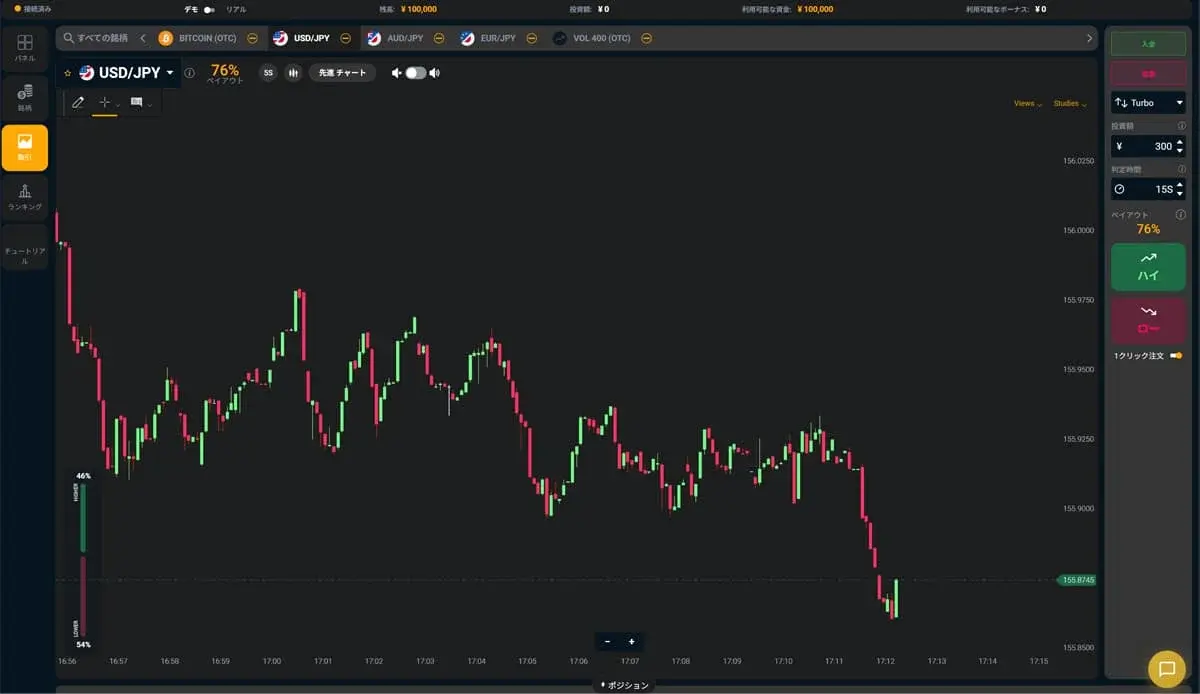
Experience the Bi-Winning trading platform risk-free
Try the Bi-Winning trading platform for free right now. No registration required to try High/Low trading. Your demo account comes with 100,000 JPY in virtual funds.
Try a free demo now
Experience the real trading environment without using real money
Company Information
Providing a safe, secure, and comfortable trading environment for all investors.
| Company | Alpha Options LLC |
| Location | Euro House, Richmond Hill Road, Kingstown, St. Vincent and the Grenadines |
| Support Hours | 10:00 – 17:00 (JST)Excluding weekends, holidays, and year-end closures |
| Business Succession | Succeeded from BET GLOBAL MARKET INC. on February 7, 2025 |
| Contact | Contact Us |
| Official Twitter | https://x.com/BIWINNING1 |
関連記事

How to Use Moving Averages in Binary Options | Period Settings and the Perfect Order
Struggling to choose periods and judge the perfect order? This explains the four MT5 calculation methods, periods by expiry time, the 2-line golden cross vs. 3-line perfect order, and checks against false signals.
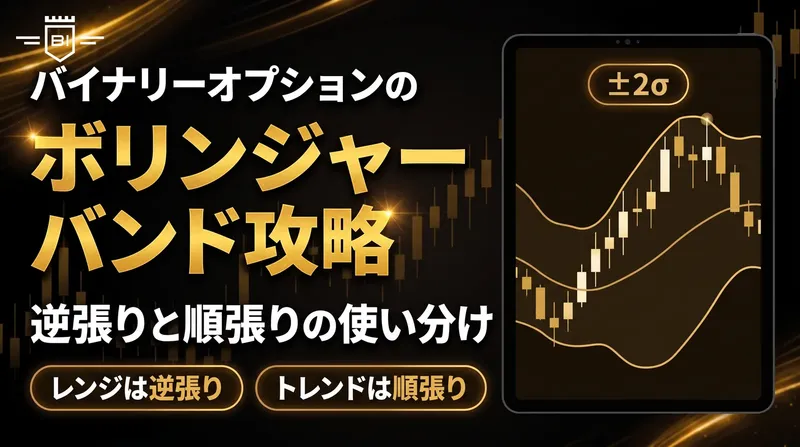
Bollinger Bands Strategy for Binary Options | Using Counter-Trend and Trend-Following
Going counter-trend on a Bollinger Band touch alone often leads to misreads. This explains how to choose between counter-trend and trend-following using band width, touch count and the middle band slope.

Can You Trade Binary Options on Weekends? Which Instruments Move and How They Differ From Weekdays
In binary options, forex currency pairs stop moving on weekends while only crypto instruments keep going. This article covers which instruments you can trade on weekends, how market conditions vary by day of the week, how to set your expiry time, and the Monday gap.