How to Deposit via PoiTouch on Bi-Winning: From DEPOT Purchase to Confirmation
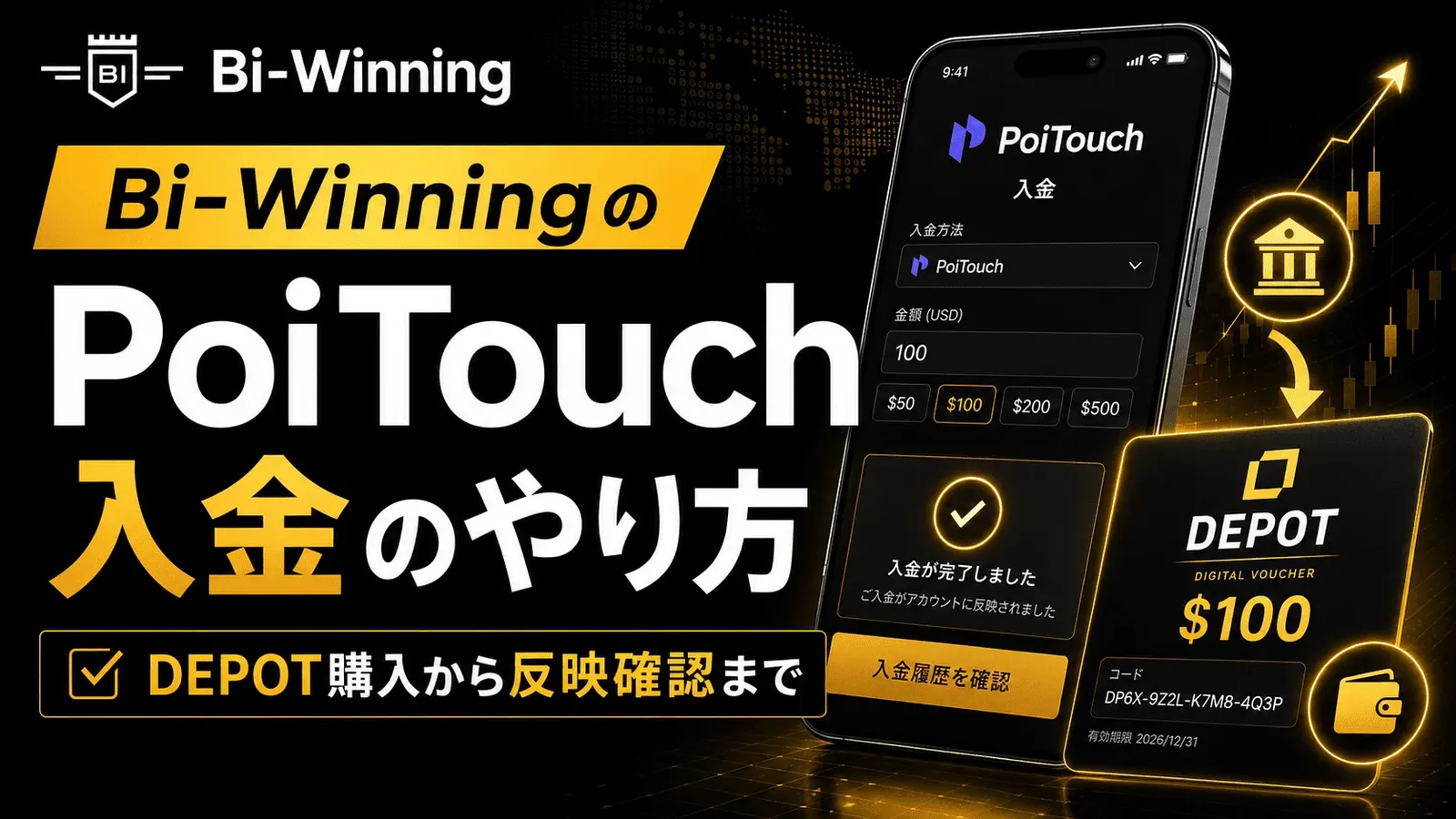
We explain how to complete a PoiTouch deposit on Bi-Winning in an easy-to-follow, two-stage process starting with a DEPOT purchase — 11 steps in total. This beginner-friendly guide covers the essentials (a 5,000-yen minimum and instant crediting), things to watch out for when buying multiple DEPOTs or if your deposit isn't reflected, and a comparison with other deposit methods.
Try a free demo now
Experience the real trading environment without using real money
PoiTouch is one of the deposit methods available when depositing funds to Bi-Winning. However, instead of transferring money directly to your account, the process starts with purchasing the electronic money "DEPOT," which can make the first few steps feel confusing. In this article, we'll break the process down into two stages — first purchasing DEPOT, then depositing to Bi-Winning — and walk you through all 11 steps. It's a convenient deposit method: the minimum is 5,000 yen, funds are credited instantly, and no personal information is required to purchase DEPOT.
PoiTouch Deposit Features and Overall Flow
DEPOT is electronic money that you can purchase on a site called PRE-BOX. When you buy it, you'll receive a 16-digit prepaid number, which you then use to complete your deposit payment on Bi-Winning.
The overall process consists of the following two stages.
- Stage 1: Purchase DEPOT on PRE-BOX
- Stage 2: Select PoiTouch on Bi-Winning's deposit page and complete payment using the DEPOT's 16-digit number
There are three key points. You can choose an amount of 5,000, 10,000, 20,000, 30,000, 50,000, or 100,000 yen, with a minimum of 5,000 yen. Once payment is complete, funds are credited to your trading account instantly, and no personal information is required to purchase DEPOT.
This method suits anyone who wants to deposit small amounts quickly while registering as little personal information as possible. Purchasing DEPOT does add an extra step, but in exchange, you can get started without preparing identity verification or other documentation.
What You'll Need Before Depositing
Before you start a PoiTouch deposit, having the following three things ready will let you proceed without getting stuck partway through.
- A Bi-Winning account: If you haven't opened an account yet, do so before you begin.
- An email address you can receive messages at: Your DEPOT purchase confirmation and the 16-digit prepaid number used for payment will be sent by email, so make sure to use an address you can reliably access.
- A way to pay via Pay-easy: Currently, Pay-easy is the only payment method for purchasing DEPOT. Make sure you have access to online banking or a Pay-easy-compatible ATM.
Your payment setup in particular will be needed in a later step, so checking it in advance will help things go smoothly.
Check out this article for the account opening steps!
→Bi-Winning Account Opening Complete Guide: How to Start Binary Options Trading for Beginners
PoiTouch Deposit Steps
There are 11 steps in total. We'll explain them in two parts: the first half (Steps 1-6) covers purchasing DEPOT, and the second half (Steps 7-11) covers depositing to Bi-Winning.
Step 1: Purchase DEPOT Electronic Money (Steps 1-6)
- Log in to Bi-Winning.
- Select "Deposit" → "PoiTouch" from the menu.
- Click "Purchase DEPOT Here" on the screen that appears.

- On the PRE-BOX site you're taken to, select a DEPOT of 5,000 yen or more, then click "Add to Cart." The amount you choose here will be the amount you deposit on Bi-Winning later, so make sure the amounts match.

- Check your cart contents, click "Proceed to Checkout," and select "Pay-easy" as the payment method.

- Choose your payment method.
If paying via ATM transfer: Select "Pay-easy ATM," enter your email address as instructed, and submit your application. Once submitted, the payment instructions will be sent to you by email.
If paying via online banking: Select "Online Banking (PC)," choose the financial institution you're transferring from, enter your email address, and submit your application. Once submitted, a payment URL will be sent to you by email.
In either case, once you complete payment as instructed, you'll receive a 16-digit DEPOT prepaid number.
As a general rule, purchase only one DEPOT at a time. What happens if you buy multiple, along with buttons that are easy to click by mistake, are covered later in "Common Pitfalls When Depositing."
Step 2: Deposit to Your Bi-Winning Trading Account (Steps 7-11)
- Return to your Bi-Winning trading account and select "PoiTouch" again from the deposit page. Select the same amount you purchased in DEPOT, then click the "Payment" button (on the deposit page).

- On the next screen, click "Proceed to Purchase."

- At the bottom of the next screen, click "I have confirmed the notes" to proceed. At this point, be careful not to select "Purchase Here" at the top.

- Check the box for "I have confirmed the above" and click "Proceed" at the bottom.

- Enter the 16-digit prepaid number you received by email. On the final confirmation screen, after entering the number, click the "Pay" button. Enter the number in groups of four digits, using half-width characters throughout.

Once payment is complete, the funds are credited to your Bi-Winning trading account right away. Check the balance/funds field at the top of the screen to confirm it's been reflected. Note that any bonuses are credited within 1 business day.

Common Pitfalls When Depositing
The trickiest part of a PoiTouch deposit is the point where you move between purchasing DEPOT and operating on the Bi-Winning side. Keeping the following points in mind beforehand will let you complete the process without confusion.
- Purchase only one DEPOT as a general rule. Balances from multiple DEPOTs can't be combined — you'd have to repeat the deposit process (Steps 7-11) once for each one. If you want to deposit a larger amount, purchase a single DEPOT for the full amount you need from the start.
- In Step 9, don't click "Purchase Here" at the top.Proceed using "I have confirmed the notes" at the bottom instead.
- Enter the 16-digit prepaid number in groups of four digits, using half-width characters throughout. Entering it in full-width characters will cause the payment to fail.
- Make sure the amount you buy DEPOT for matches the deposit amount you select on Bi-Winning. For example, if you purchase a 10,000-yen DEPOT, select 10,000 yen on Bi-Winning as well.
- Enter the email address you register when purchasing DEPOT accurately. Your prepaid number and purchase confirmation will be sent to this address.
- Pay via Pay-easy (ATM or online banking). Make sure you have a compatible environment ready in advance.
Comparison with Other Deposit Methods
Whether PoiTouch is right for you becomes easier to judge when you compare it side by side with other deposit methods. In the end, the differences between deposit methods come down to two points: "how much preparation is needed before depositing" and "whether personal information or identity verification is required." The quick-reference table below is organized around these two points.
Deposit Method | Minimum Deposit | Processing Time | Preparation | Personal Info / Identity Verification |
|---|---|---|---|---|
PoiTouch | 5,000 yen | Instant | Purchase DEPOT electronic money on PRE-BOX (paid via Pay-easy) | Not required (DEPOT requires no personal information) |
PESKA | 5,000 yen | Instant | Create a PESKA account | Identity verification required with PESKA |
Bank Transfer | 50,000 yen | 1-3 business days | Submit transfer amount in advance | — |
Cryptocurrency (BTC/USDT) | 0.001 BTC / 50 USDT equivalent | BTC: approx. 30 min-1 hour / USDT: approx. 10-30 min | Hold a wallet and cryptocurrency | — |
PoiTouch requires the extra step of purchasing DEPOT, but in exchange, no personal information registration is needed. How you weigh that trade-off between effort and convenience is the key factor in deciding whether to choose it.
Check out this article if you'd like to learn about other deposit methods!
→Bi-Winning Deposit Method Complete Guide: Fees, Steps & Important Notes Explained
How to Choose a Deposit Method
Choosing based on your goal makes it easier to narrow down the deposit method that suits you.
- Want to start instantly with a small amount while registering as little personal information as possible → PoiTouch
- Want to finish quickly by entering card details and take advantage of bonuses → PESKA
- Want to reliably deposit a large amount (50,000 yen or more) → Bank Transfer
- Already hold BTC/USDT → Cryptocurrency Deposit
Frequently Asked Questions
Q1. What is DEPOT?
DEPOT is prepaid electronic money that you can purchase on a site called PRE-BOX, and it requires no personal information to buy. When you purchase it, you receive a 16-digit number, which you then use to complete your deposit payment on Bi-Winning. PoiTouch is the deposit method that uses this DEPOT.
Q2. I accidentally purchased multiple DEPOTs. Can I deposit them together?
No, you can't deposit them together. Because DEPOT balances can't be combined across different prepaid numbers, you'll need to repeat the deposit process (Steps 7-11) once for each one you purchased. If you want to deposit a large amount at once, the safest approach is to purchase a single DEPOT for the full amount you need from the start.
Q3. My deposit isn't reflected. What should I do?
As a rule, PoiTouch deposits are reflected immediately after payment is complete. First, check the balance/funds field at the top of the screen. Bonuses are credited within 1 business day. If your deposit still isn't reflected after your payment goes through, contact Bi-Winning customer support ([email protected]).
Q4. Are there any fees?
There's no deposit fee on Bi-Winning's side. The relationship between the face value and the payment amount when purchasing DEPOT follows what's displayed on PRE-BOX's purchase screen. If a difference is shown, pay the amount indicated.
Q5. Can I deposit directly with a credit card?
PoiTouch is a deposit method that goes through DEPOT electronic money, and DEPOT itself is purchased via Pay-easy (ATM or online banking). If you'd like to deposit quickly by entering card details, consider another deposit method such as PESKA.
Conclusion
PoiTouch deposits are completed in two stages:
① Purchase DEPOT electronic money
② Deposit on Bi-Winning
That's all it takes. The key points to remember are: a minimum of 5,000 yen, instant crediting, no personal information required, and the fact that DEPOT balances can't be combined, so purchase a single DEPOT for the full amount you need. Follow the steps in order, and even first-timers can deposit without confusion.
Once your deposit is complete, get comfortable with the platform risk-free through demo trading first, and you'll be able to move into real trading without difficulty. Once you've got a feel for how it works, try starting to trade with a small amount.
Experience the Bi-Winning trading platform risk-free
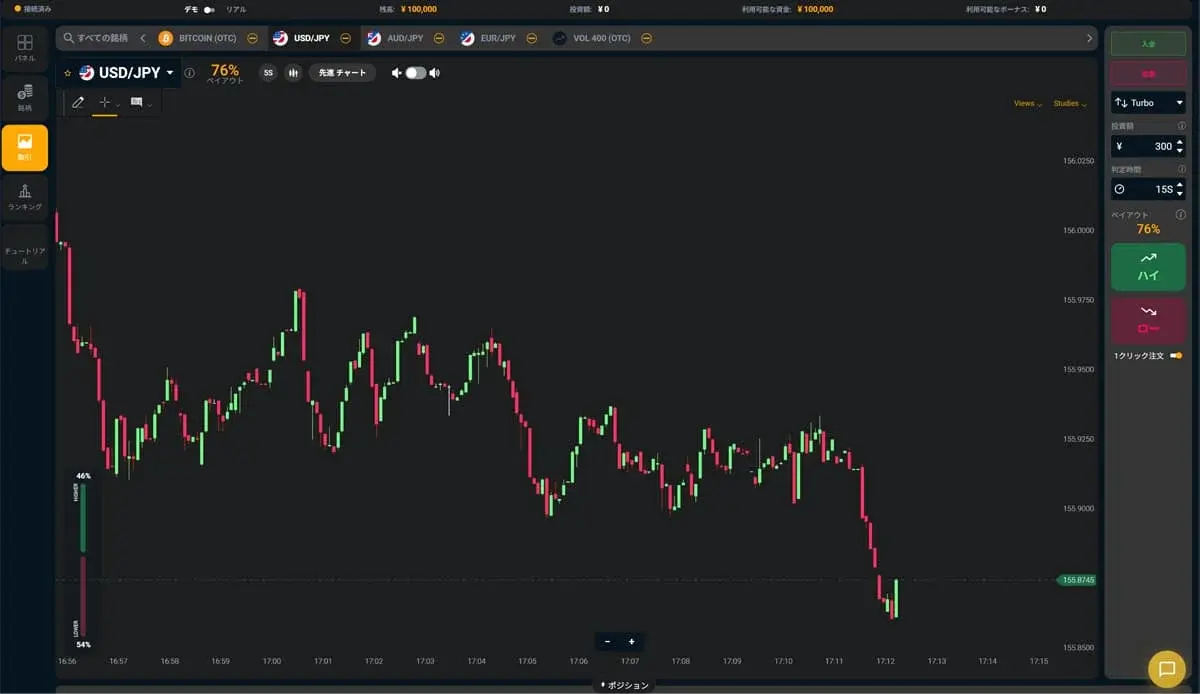
Try the Bi-Winning trading platform for free right now. No registration required to try High/Low trading. Your demo account comes with 100,000 JPY in virtual funds.
Try a free demo now
Experience the real trading environment without using real money
Company Information
Providing a safe, secure, and comfortable trading environment for all investors.
| Company | Alpha Options LLC |
| Location | Euro House, Richmond Hill Road, Kingstown, St. Vincent and the Grenadines |
| Support Hours | 10:00 – 17:00 (JST)Excluding weekends, holidays, and year-end closures |
| Business Succession | Succeeded from BET GLOBAL MARKET INC. on February 7, 2025 |
| Contact | Contact Us |
| Official Twitter | https://x.com/BIWINNING1 |
関連記事

Bi-Winningのサインツール設定方法:MT5への設置手順を画像つきで解説
Bi-Winningのサインツール設定方法を、提携先EdgeGraph FXの口座開設からMT5への設置・表示まで画像つきで解説。IndicatorsフォルダへのファイルのいれかたやM1の設定、表示されないときの対処まで初心者の方向けにまとめました。
What to Watch Out for When Trading During Economic Indicator Releases | Key Precautions for Beginners
When economic indicators are released, the market can swing sharply, bringing risks you don't normally face, such as widening spreads and slippage. This article clearly explains what binary options beginners should watch out for when trading around indicator releases, along with concrete steps to reduce risk.

What Economic Indicators Matter in Binary Options? A Beginner's Guide to Key Indicators and Release Schedules
A beginner-friendly guide to the economic indicators that move the market in binary options trading. We cover the meaning, release times, and market impact of key indicators like the US Employment Report, FOMC, CPI, and GDP, plus how to put them to use on Bi-Winning.