Bi-Winning Crypto Swap Feature: Deposit Directly Without Holding USDT or BTC

Bi-Winning’s deposit screen now has a crypto swap feature that lets you exchange other crypto you hold for USDT or BTC on the spot. This article covers how to use it, supported chains, and points to note.
Try a free demo now
Experience the real trading environment without using real money
“I don’t have any Bitcoin or USDT, but I’d like to try a crypto deposit with Bi-Winning.” A new feature has been added for people in exactly that situation. Bi-Winning’s deposit screen now includes a crypto swap feature, which lets you exchange other crypto assets you already hold for USDT or BTC on the spot and use them to make a deposit.
Until now, if you didn’t hold USDT or BTC, using the crypto deposit meant a two-step process: first converting to USDT/BTC on another exchange or swap service, then sending the funds. The new feature removes that extra work entirely.
This article walks through the new swap feature in order: an overview, what it can do, how to use it, supported currencies and chains, and points to note.
1. What Is the Crypto Swap Feature?
Put simply, the swap feature is a mechanism for exchanging the crypto assets in your wallet for a different crypto asset. With Bi-Winning’s swap feature, you connect your own wallet directly, exchange the coins you hold for USDT or BTC, and then go straight on to deposit into your Bi-Winning account.
2. Benefits
The biggest point is that people who don’t hold USDT or BTC can now use crypto deposits too. For example, it is useful in cases like these:
- You only hold meme coins and have no way to convert them into a stablecoin
- You have held altcoins for a long time and don’t want to go to the trouble of converting them to USDT on an exchange
- You want to complete everything, including the deposit, directly from your wallet
Because you no longer have to swap and then transfer across multiple services, you may be able to reduce both the time to complete a deposit and the total fees.
Comparison with the Conventional Method
Conventional (via an external exchange) | Swap feature | |
|---|---|---|
Number of services used | 2–3 (exchange → withdrawal → Bi-Winning) | 1 (Bi-Winning screen only) |
Main operations | Conversion, withdrawal request, transfer confirmation, deposit | Wallet connection, swap execution |
Estimated time required | Tens of minutes to several hours | A few minutes to tens of minutes (depends on the chain) |
Main costs | Trading fee + withdrawal fee + gas fee | Swap spread + gas fee |
3. Features of the Swap Feature
1. Exchange on the spot by connecting your wallet
There is no need to move to an external exchange or DEX. Just connect your wallet on Bi-Winning’s deposit screen and choose the currency to exchange on screen. It is designed to be completed entirely on the web.
2. About 63 source currencies (as of May 2026)
About 63 types of crypto assets are supported as the source of a swap. This may be added to or changed in the future, so please check the latest list of supported currencies on Bi-Winning’s deposit screen.
3. Swap targets are USDT and BTC
There are two choices for the target (the currency you receive): USDT or BTC. Your assets are converted directly into currencies supported by Bi-Winning’s crypto deposit, so once the swap is done you can go straight on to the deposit.
4. Supported chains: Ethereum / BSC / BTC
The USDT and BTC generated by the swap are supported on the following chains (please check the latest options on the deposit screen).
- USDT (ERC20) — Ethereum chain
- USDT (BSC) — BNB Smart Chain
- BTC — Bitcoin network
Choose according to your wallet balance and your gas fee budget.
5. A wide range of supported wallets
You can connect MetaMask / Coinbase Wallet / Base / WalletConnect, four wallets in total. Because you can also connect via WalletConnect, it covers practically all major wallets.
4. How to Use It
The flow from swap to deposit is as follows.
Step 1: Open the deposit screen
Log in to Bi-Winning and select “Deposit” from the menu.
Step 2: Open the “Bank Transfer / Cryptocurrency” section

From the deposit methods, open the “Bank Transfer / Cryptocurrency” section. The swap feature is inside this section.
Step 3: Click the button to get USDT or BTC

On the screen you will see the message “If you don’t have USDT / BTC — you can exchange other crypto assets for USDT (ERC20 / BSC) or BTC.” Click the “Get USDT / BTC with Swap” button below it.
Step 4: Connect your wallet

When the swap screen appears, choose the wallet you use from the supported wallets (MetaMask / Coinbase Wallet / Base / WalletConnect) and connect it. If you connect via WalletConnect, you can often connect even a wallet that is not listed by name.
Step 5: Choose the currency to swap from

From the supported currencies held in the connected wallet, choose the currency to exchange from. At the time of writing, you can choose from about 63 types.
Step 6: Choose the swap target (USDT / BTC) and the chain

Choose the currency you want to receive from USDT or BTC, then select the supported chain (ERC20 / BSC / BTC).
Step 7: Execute the swap
Enter the amount and execute the swap. Approve the signing transaction in your wallet.
Step 8: Proceed to the deposit
Once the swap is complete, you can go straight on to deposit the generated USDT/BTC into your Bi-Winning account.
5. Frequently Asked Questions
Q. Are there swap fees?
A. In addition to the gas fee (network fee), the swap service’s spread and fees may be included. Be sure to check the final amount you will receive on the screen before executing the swap.
Q. Which wallets can I use?
A. MetaMask / Coinbase Wallet / Base / WalletConnect are supported. If you connect via WalletConnect, you can use almost all major wallets. Please check the deposit screen on Bi-Winning for the latest compatibility.
Q. What happens to my funds if the swap fails?
A. Gas fees are consumed, but if the transaction reverts (fails), your original currency generally remains in your wallet. However, if you send funds to the wrong destination, for example by sending them to the wrong chain, in many cases they cannot be recovered, so please be careful.
Q. Are meme coins supported?
A. Please check the list of source currencies for the swap on the deposit screen to see whether various meme coins are included among the roughly 63 supported types.
Q. How long does it take for the funds to be reflected in my Bi-Winning account after the swap?
A. It depends on the network confirmation time of each chain. ETH/BSC are relatively fast, while BTC may take longer depending on congestion.
Comparisons with other deposit methods are covered in the following article.

6. Summary
Bi-Winning’s new crypto swap feature is positioned as a new option that widens the choices for people who had given up on crypto deposits because they don’t hold USDT/BTC.
- Choose from about 63 source currencies (more may be added)
- The swap targets are USDT and BTC
- Three chains are supported: ERC20, BSC and BTC
- Supported wallets are MetaMask / Coinbase Wallet / Base / WalletConnect, with broad support via WalletConnect
- Exchange on the spot by connecting your wallet, and complete everything through to the deposit
For holders of meme coins and various altcoins in particular, being able to go straight through to the deposit without using an external exchange may reduce the total fees and time involved.
Experience the Bi-Winning trading platform risk-free
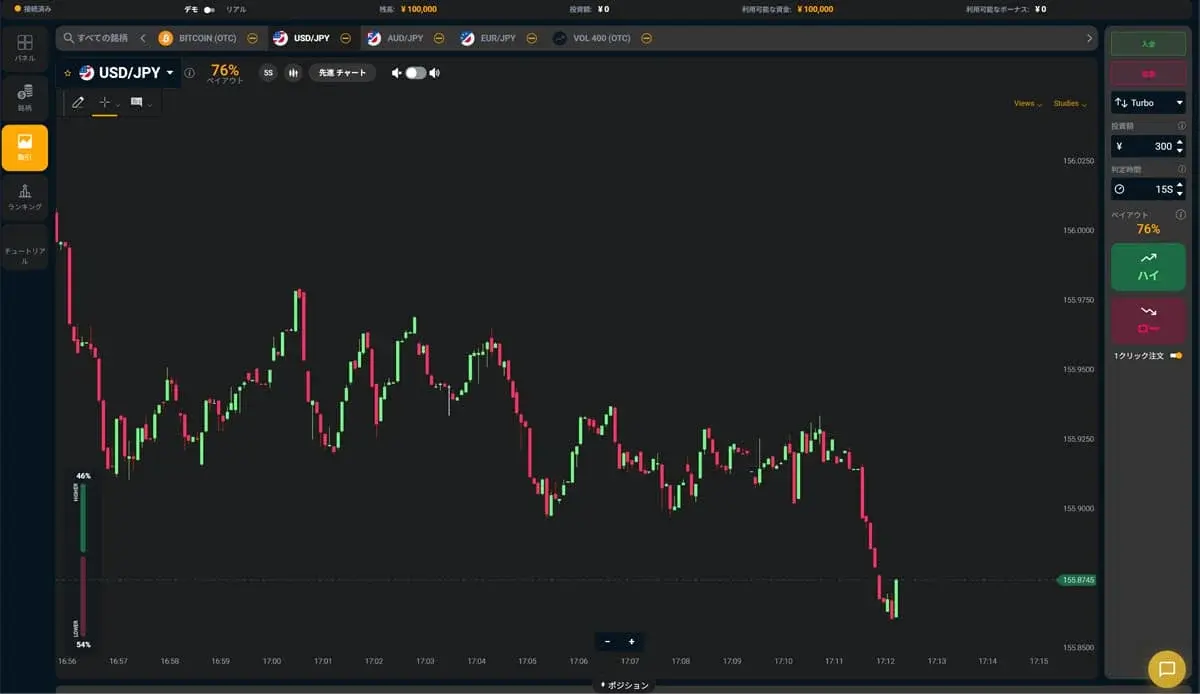
Try the Bi-Winning trading platform for free right now. No registration required to try High/Low trading. Your demo account comes with 100,000 JPY in virtual funds.
Try a free demo now
Experience the real trading environment without using real money
Company Information
Providing a safe, secure, and comfortable trading environment for all investors.
| Company | Alpha Options LLC |
| Location | Euro House, Richmond Hill Road, Kingstown, St. Vincent and the Grenadines |
| Support Hours | 10:00 – 17:00 (JST)Excluding weekends, holidays, and year-end closures |
| Business Succession | Succeeded from BET GLOBAL MARKET INC. on February 7, 2025 |
| Contact | Contact Us |
| Official Twitter | https://x.com/BIWINNING1 |
関連記事

Bi-Winning Signal Tool Setup: A Guide with Images to Installing It in MT5
A beginner-friendly, image-based guide to the Bi-Winning signal tool setup, from opening an EdgeGraph FX account to installing it in MT5, including the Indicators folder, M1 setting, and fixes.
How to Deposit via PoiTouch on Bi-Winning: From DEPOT Purchase to Confirmation
We explain how to complete a PoiTouch deposit on Bi-Winning in an easy-to-follow, two-stage process starting with a DEPOT purchase — 11 steps in total. This beginner-friendly guide covers the essentials (a 5,000-yen minimum and instant crediting), things to watch out for when buying multiple DEPOTs or if your deposit isn't reflected, and a comparison with other deposit methods.
What to Watch Out for When Trading During Economic Indicator Releases | Key Precautions for Beginners
When economic indicators are released, the market can swing sharply, bringing risks you don't normally face, such as widening spreads and slippage. This article clearly explains what binary options beginners should watch out for when trading around indicator releases, along with concrete steps to reduce risk.