Bi-Winning Account Opening Complete Guide: How to Start Binary Options Trading for Beginners
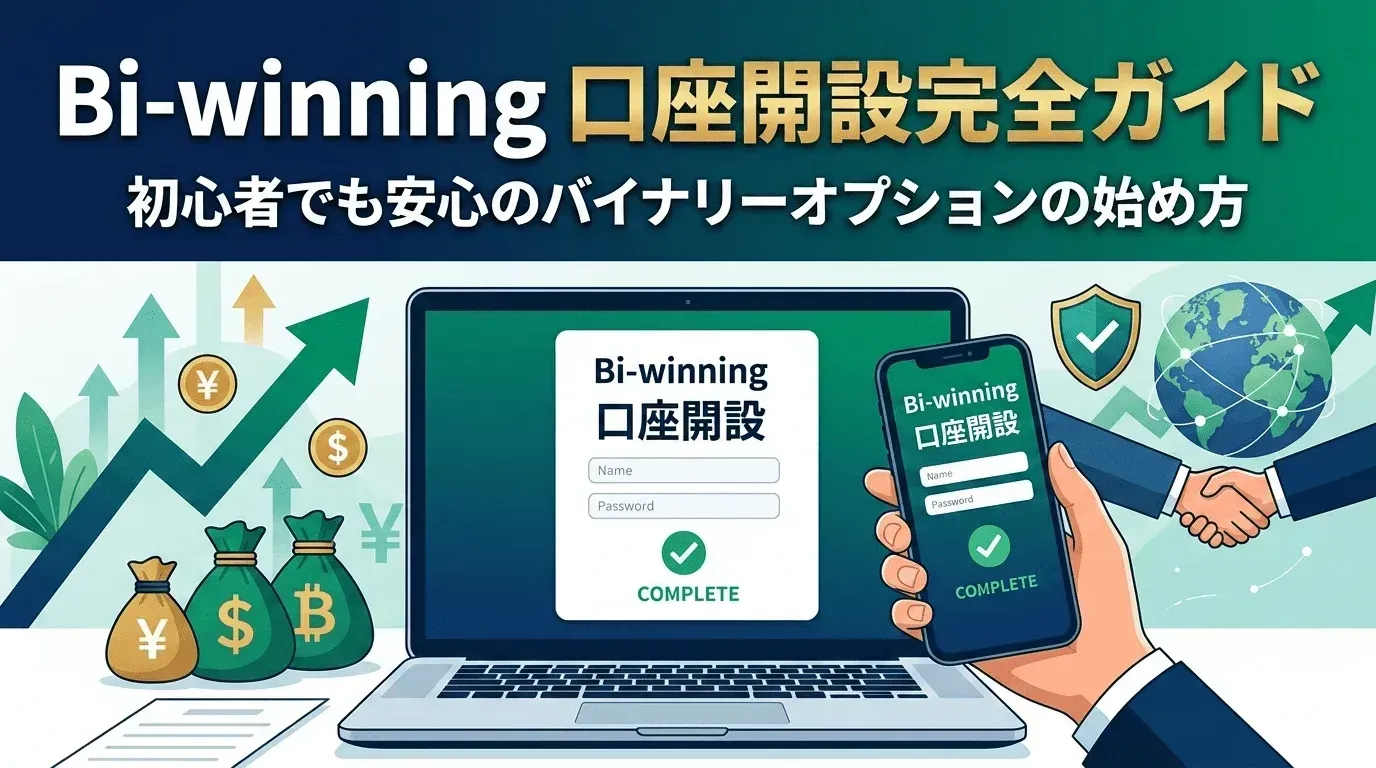
Even if you want to start Binary Options trading, you might hesitate thinking "foreign sites seem difficult" or "I don't want to get stuck on procedures." The first hurdle in starting investing is opening an account. However, Bi-Winning offers Japanese language support...
Try a free demo now
Experience the real trading environment without using real money
Even if you want to start Binary Options trading, you might hesitate thinking "foreign sites seem difficult" or "I don't want to get stuck on procedures."
The first hurdle when starting to invest is opening an account. However, Bi-Winning offers Japanese language support, making the account opening process smooth and easy.
In this article, we explain the steps to start trading as quickly as possible. Follow this guide and you won't waste any time. Let's take the first step toward a free investment style.
What is Bi-Winning? Basic Information

Bi-Winning is an online trading platform specializing in Binary Options. With comprehensive Japanese language support, it provides an environment where even beginners can start trading with confidence.
Bi-Winning Basic Information
Minimum Trade Amount | From 500 yen |
Maximum Payout Rate | 1.95x (varies by trading asset and time of day) |
Trade Types | Turbo trading (from 15 sec), High/Low (from 15 min) |
Number of Assets | Over 80 types (currency pairs, cryptocurrencies, stocks, stock indices) |
Japanese Support | Available |
Trading Hours | Early Monday to early Saturday (following the forex market) |
Its mission is to provide a transparent trading environment and comprehensive customer support. The support system is particularly well-suited for beginners.
Preparation Before Opening an Account
Here's what you need to prepare for a smooth Bi-Winning account opening process.
Required Documents
Identity Verification Document (one of the following)
- Driver's License: Clear images of both front and back
- Passport: Photo page and personal information page
- My Number Card: Front side only (individual number side not required)
- Basic Resident Registration Card: Must include photo
Address Verification Document (one of the following)
- Utility Bill: Electricity, gas, or water (issued within 3 months)
- Bank Statement: Online banking statements accepted (within 3 months)
- Certificate of Residence: Original issued within 3 months
- Health Insurance Card: Must accurately show current address
Information to Prepare in Advance
- Email Address: Used for email verification
- Phone Number: Used for SMS verification
- Accurate Address: Must exactly match your identity verification document
- Employment Information: Company name, industry, approximate annual income
Bi-Winning Account Opening Steps
We'll explain in detail based on the actual Bi-Winning website screens.
Step 1: Access the Official Website

- Bi-Winning official website — go here
- Click the "Open Free Account" button (red button) in the center or top right of the screen
Step 2: Enter Personal Information

After clicking the account opening button, a detailed personal information form will appear.
Form Field Details
Basic Information Section:
- First Name (enter in Roman letters, e.g., TARO): Use the same format as your identity document
- Last Name (enter in Roman letters, e.g., YAMADA): Use the same format as your identity document
- Email Address: Make sure you can receive emails from Bi-Winning
- Date of Birth: Select from the dropdown menu
- Phone Number: Used for SMS verification (enter without hyphens)
Identity Verification Section:
- ID Document: Select the category of document you will upload later
- Location (Address Information):
- Detailed Address (street number, building name, etc.)
- City/Town/Village
- Prefecture/State
- Postal Code
Tips:
- All fields marked with "*" are required
- Enter information that exactly matches your identity document
- Use an email address you check regularly
Step 3: Account Creation Complete
After completing the form, a confirmation email will be sent from Bi-Winning to your registered email address.
Email Verification Steps

- Click "Verify Email Address" in the verification email from Bi-Winning
- Your account will be activated in the browser
- You can now access the Bi-Winning login screen
How to Submit Identity Verification Documents
Bi-Winning requires identity verification documents to ensure a safe trading environment. After email verification, logging into your account page will display the document upload screen.
Upload Steps
1. Click "Upload New Document"

Click the yellow "Upload New Document" button on the main screen.
2. Select Document Category and Upload

On this screen, perform the following operations:
Document Category Selection:
- Select the appropriate document type from the dropdown menu
- Example: If you select "Driver's License"
File Upload:
- Click the "Choose File" button
- Select the pre-captured identity document image
- Supported formats: jpg, jpeg, png, gif, pdf, tiff
- Make sure the file size does not exceed 8MB
Comment Field:
- Enter supplementary information about the document if needed
- Example: "I combined both front and back into a single image"
3. Tips for Photographing Documents
Tips for Photographing Identity Documents:
- All four corners are visible in the photo
- Text is clearly legible — verify before uploading
- No light reflections or shadows when photographing
- No editing or processing of the image
Tips for Photographing Address Verification Documents:
- Issue date, recipient name, and address are all clearly visible
- Clean, unfolded document
- Issued within 3 months — prepare the latest document
Review Process
After clicking the "Upload" button:
- Documents are sent to the Bi-Winning review department
- Review results will be notified to your registered email
- If you have any questions, you can contact Japanese language support
First Deposit Process
After identity verification is complete, Bi-Winning offers various deposit methods to fund your trading account.
Available Deposit Methods
Deposit Options:
Deposit Method | Features | Processing Time | Notes |
|---|---|---|---|
PESKA | Real-time deposit available | Instant | Pre-register a PESKA account for convenience |
Bank Transfer | Reliable deposit method | Varies by business day | Transfer fees depend on your bank |
Cryptocurrency | Modern payment method | Quick processing | Deposit via crypto assets |
*For the latest deposit conditions and fees, please check the Bi-Winning official websitefor confirmation.
Frequently Asked Questions About Account Opening
FAQ 1: About the Registration Form
Question: The Roman letter input example shows "TARO" and "YAMADA" — how should I enter my name?
Answer:
- Use the same format as the identity document you will upload later
- If unsure, check with support before registering
- Once registered, information cannot be easily changed, so enter carefully
FAQ 2: About Document Upload
Question: It says "file size should not exceed 8MB" — what quality is appropriate?
Answer:
- Standard smartphone camera quality is fine
- Make sure the entire document fits within the frame
- After taking the photo, verify that text and details are clearly visible
FAQ 3: Email Verification Support
Question: The verification email hasn't arrived
Answer:
- It may be in your spam folder — please check your spam/junk mail folder
Conclusion: Start a New Investment Experience with Bi-Winning
We've covered everything from Bi-Winning's basic information to specific account opening steps and tips for successful document submission.
You might feel a bit nervous about overseas Binary Options, but Bi-Winning provides thorough Japanese language support and an intuitive registration system. The ability to start trading from as little as 500 yen, plus the built-in TradingView for analysis, are significant advantages for those just starting out.
Key Points for Account Opening
- Preparation: Having required documents ready ensures a smooth process
- Enter correct information: Fill in the registration form accurately without errors
- Photograph and submit documents correctly: Clear document images following the upload screen instructions
- Respond to emails promptly: Verify as soon as you receive the verification email
- Use support: Contact support immediately if you have any questions
Bi-Winning strongly supports your first step into Binary Options investing with a safe, reliable trading environment and attentive beginner support. The registration and document upload screens are designed to be clear and easy to navigate. Start by practicing with demo trading, and when you're ready, begin your account opening from the Bi-Winning official website.
Experience the Bi-Winning trading platform risk-free
Try the Bi-Winning trading platform for free right now. No registration required to try High/Low trading. Your demo account comes with 100,000 JPY in virtual funds.
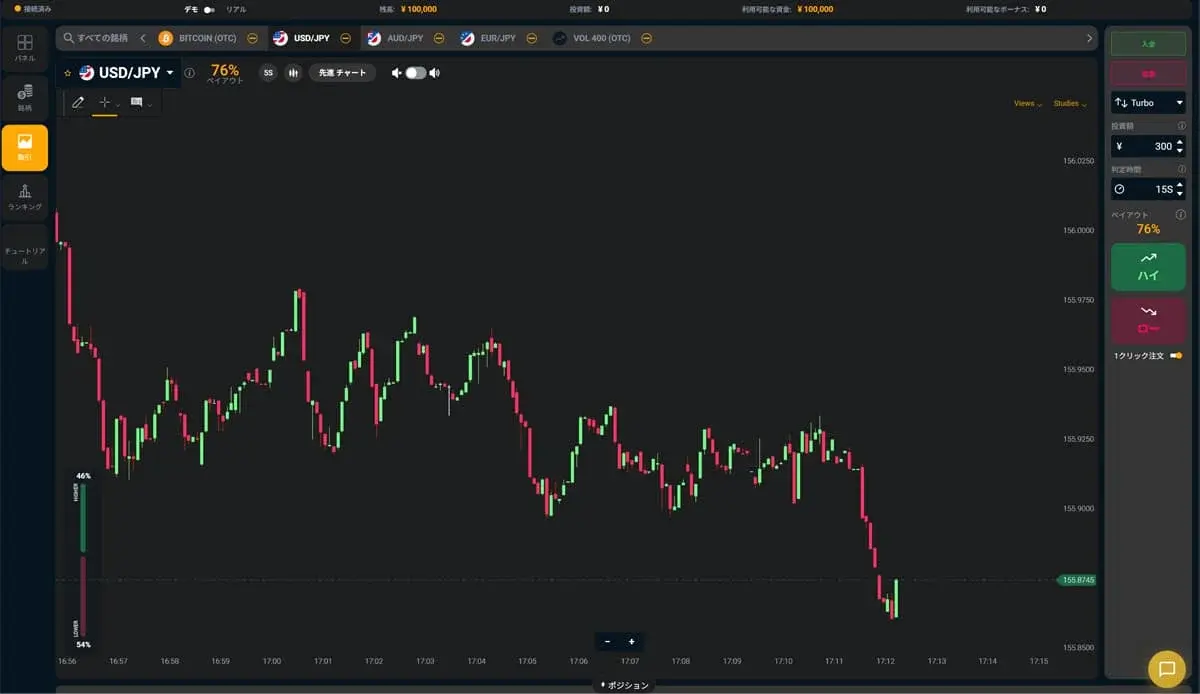
Try a free demo now
Experience the real trading environment without using real money
Company Information
Providing a safe, secure, and comfortable trading environment for all investors.
| Company | Alpha Options LLC |
| Location | Euro House, Richmond Hill Road, Kingstown, St. Vincent and the Grenadines |
| Support Hours | 10:00 – 17:00 (JST)Excluding weekends, holidays, and year-end closures |
| Business Succession | Succeeded from BET GLOBAL MARKET INC. on February 7, 2025 |
| Contact | Contact Us |
| Official Twitter | https://x.com/BIWINNING1 |
関連記事
Bi-Winningのサインツール設定方法:MT5への設置手順を画像つきで解説
Bi-Winningのサインツール設定方法を、提携先EdgeGraph FXの口座開設からMT5への設置・表示まで画像つきで解説。IndicatorsフォルダへのファイルのいれかたやM1の設定、表示されないときの対処まで初心者の方向けにまとめました。
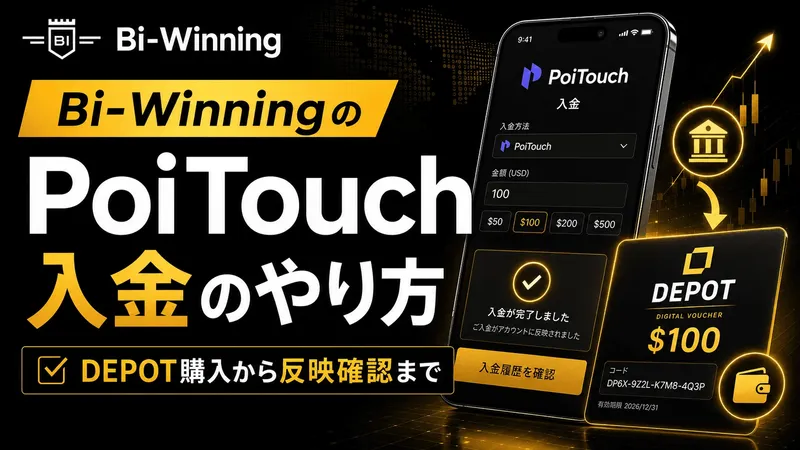
How to Deposit via PoiTouch on Bi-Winning: From DEPOT Purchase to Confirmation
We explain how to complete a PoiTouch deposit on Bi-Winning in an easy-to-follow, two-stage process starting with a DEPOT purchase — 11 steps in total. This beginner-friendly guide covers the essentials (a 5,000-yen minimum and instant crediting), things to watch out for when buying multiple DEPOTs or if your deposit isn't reflected, and a comparison with other deposit methods.
What to Watch Out for When Trading During Economic Indicator Releases | Key Precautions for Beginners
When economic indicators are released, the market can swing sharply, bringing risks you don't normally face, such as widening spreads and slippage. This article clearly explains what binary options beginners should watch out for when trading around indicator releases, along with concrete steps to reduce risk.